If we want to add Product Tags / Product Categories Link to Menu, in Appearance > Menus , click Screen option, and Tick the Product Ctegories / Product Tags checkbox so you can add it to the menu.
Set Widget Render method so there will be no Bug
Change Widgets Render Method to Elementor Default in WooCommerce > Settings > Jet Woo Builder to prevent unknown bug / inconsistency.
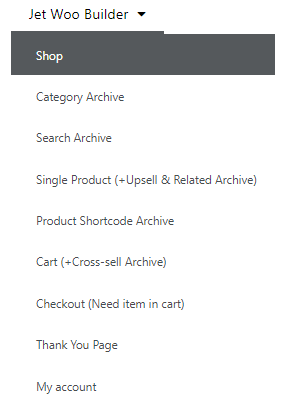
Check all Demo Section in the menu to learn all part of jet woo builder
See all the sub menu to learn all the jet woo builder features for specific page other than the 4 global widget that are available everywhere.
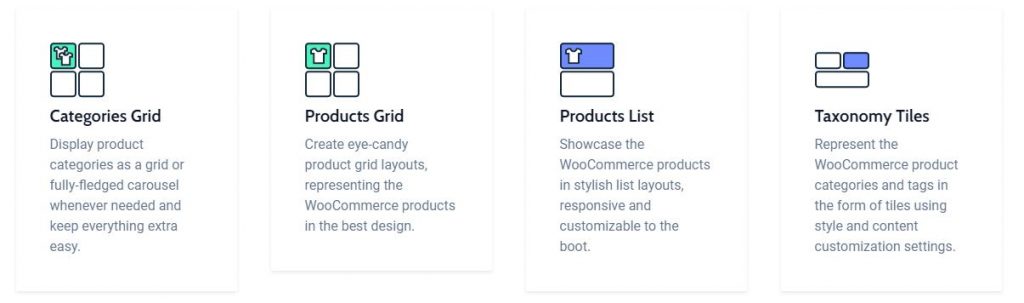
4 Global Widget
Product Grid & Product List can also be used in Shop Page for Current Query.
Categories Grid
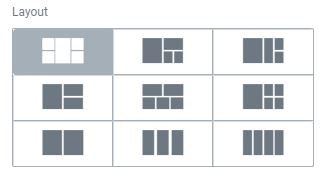
We can Set the Grid to be carousel (in 1 line) or to have multiple row.